
What is the flu? How can I protect myself and my loved ones from serious illness? What are the recommendations for the 2026-27 season? These are common questions public health communicators get from September through April each respiratory virus season.
Get ahead of your community’s questions with a 1-sheet and social media carousel. Below you will find both ready-to-share and customizable options that adapt to your communications plans and your community’s preferences.
Digital or Printable Explainer
Customizable Option
- Create a free Canva account, if you don’t have one already. You will need one to edit the explainer.
- Follow the hyperlink below to access the editable explainer template. On the page that opens, you’ll click the purple “Use template” button to start editing.
- You have the option to customize three areas:
- Images. It is best to select photos that resonate with your community and represent the people you want to reach. To upload images into the Canva graphic, you will click “Uploads” on the left sidebar of the page. (Click the purple “Upload files” button or drag and drop your image into the upload section.) Upload your desired photo and drag and drop it into the frame.
- Logo. Use the same process you used to upload images to upload your organization’s logo. Drag and drop the logo to the bottom of the page where there is currently a yellow box. Resize the logo as needed. Remove the “Insert Logo Here” copy and the yellow box once you have completed the actions above.
- Call to action. Replace or add to the text that currently says “For more information: [Website/Contact]” with a link to your organization’s website, contact email, local resources, or other relevant information.
- Before you finalize, ask yourself:
- Did I make any changes to medical and/or vaccine recommendations, statistics, and other health guidance? If you’re modifying health information, make sure any changes reflect current, evidence-based guidance.
- Is my content accessible, accurate, and have appropriate source attribution? If you’ve modified colors or fonts, make sure the content is still accessible, and if you’ve modified health information, double-check that the original citations still support the updated content.
- When editing is complete, click “File,” then “Download” in the top-left to download the graphic for sharing on your social media channels and other communication platforms.
Ready-to-Download Option
When you don’t have time to customize or don’t need to follow any specific brand guidelines, opt for this downloadable version with accurate, evidence-based information.
Social Media Carousel Explainer
Ready-to-Download
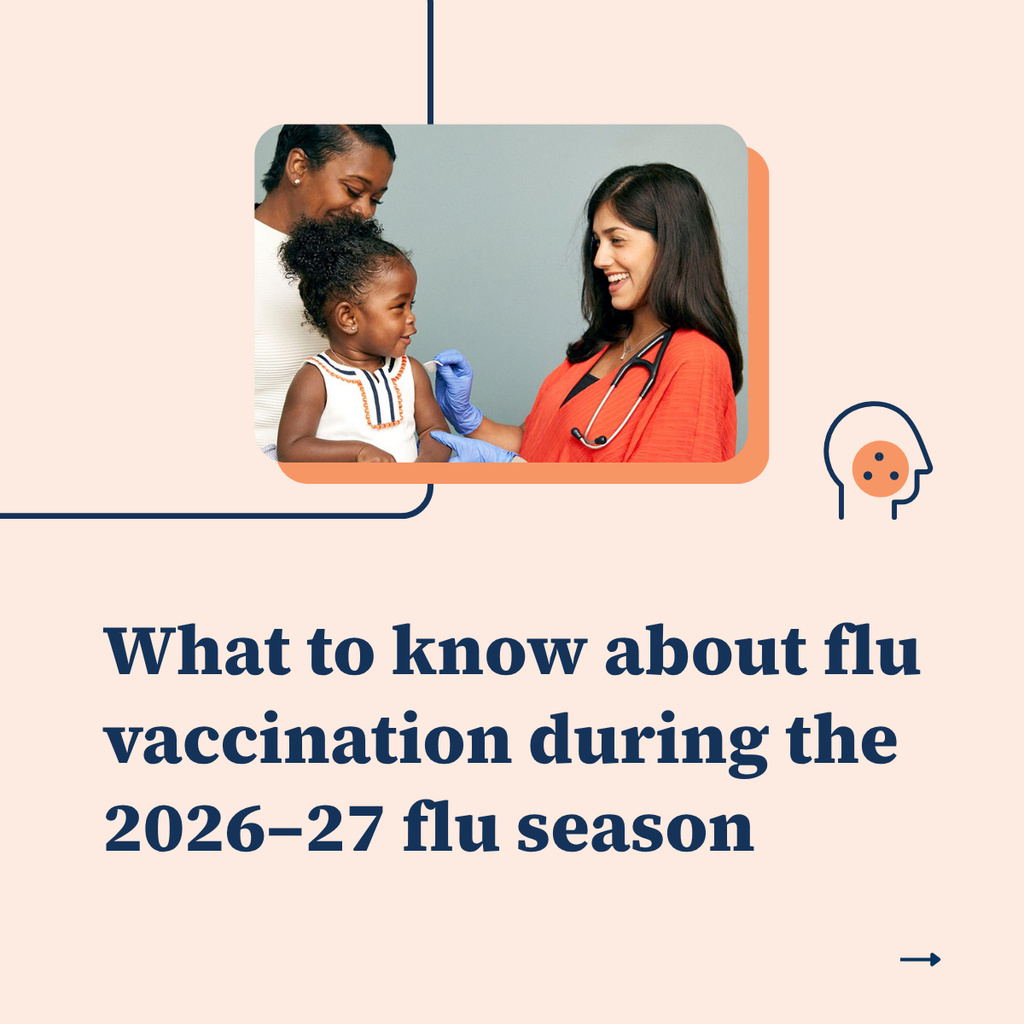
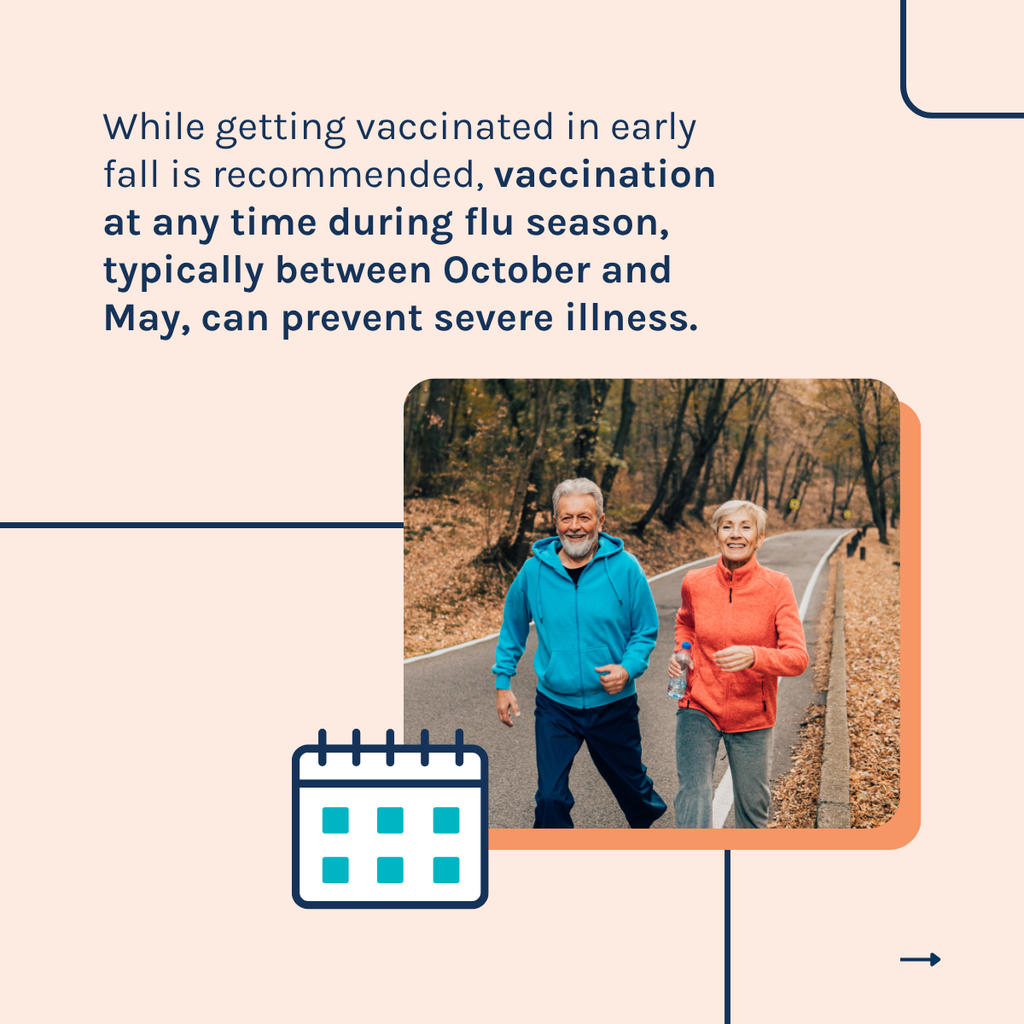
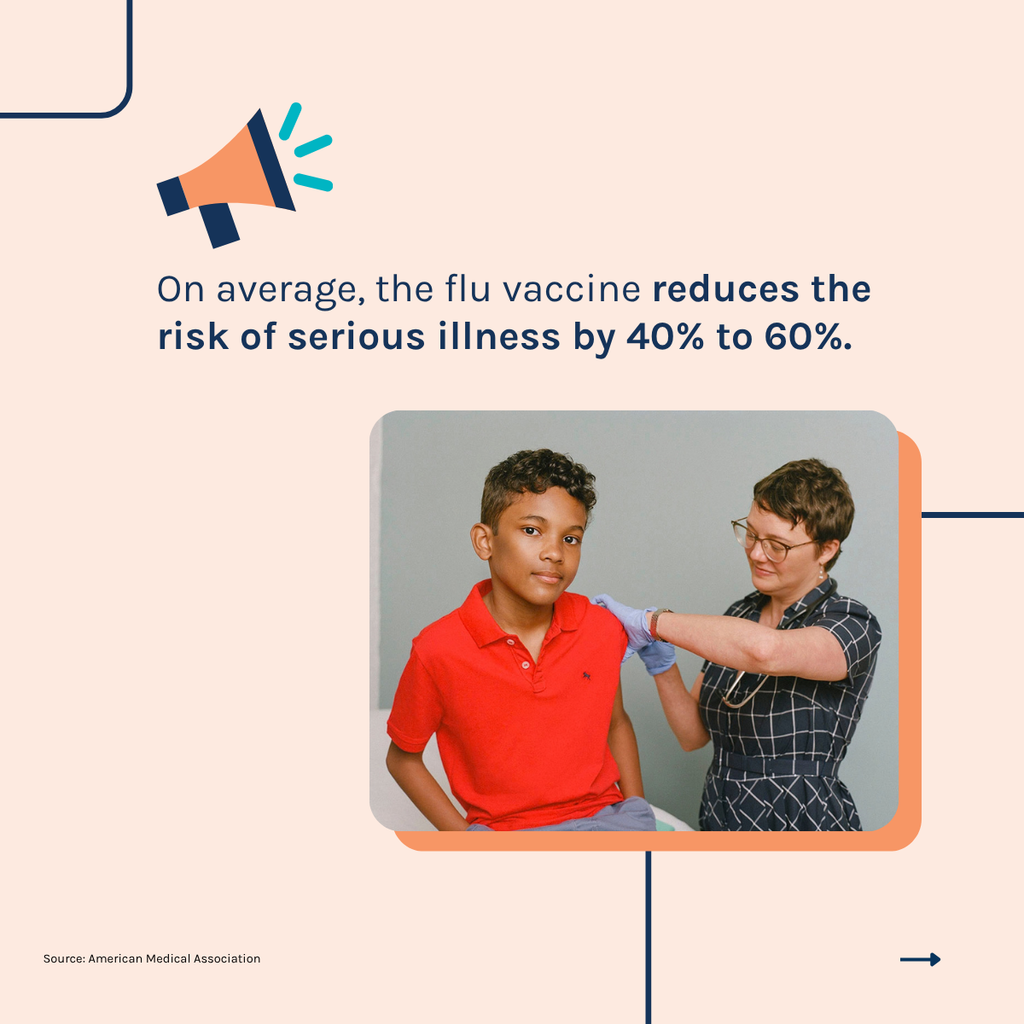
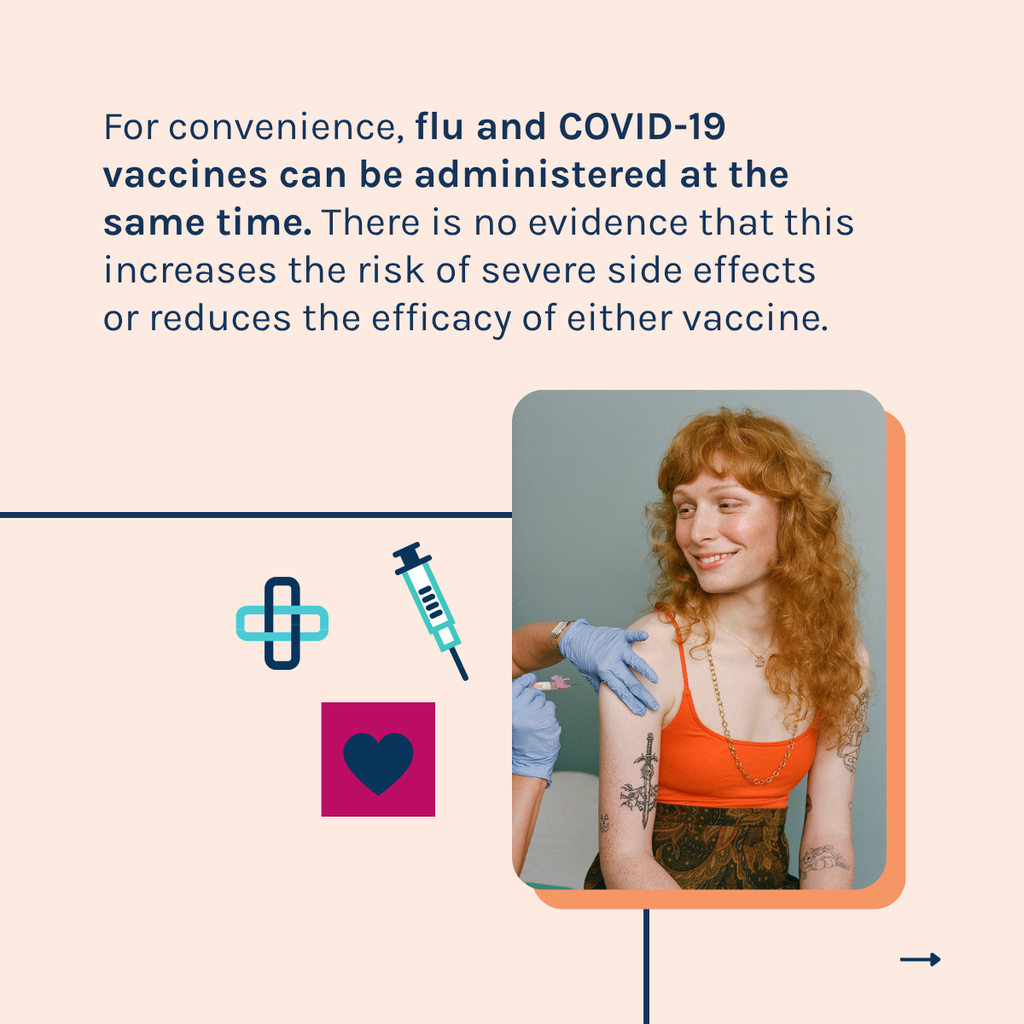
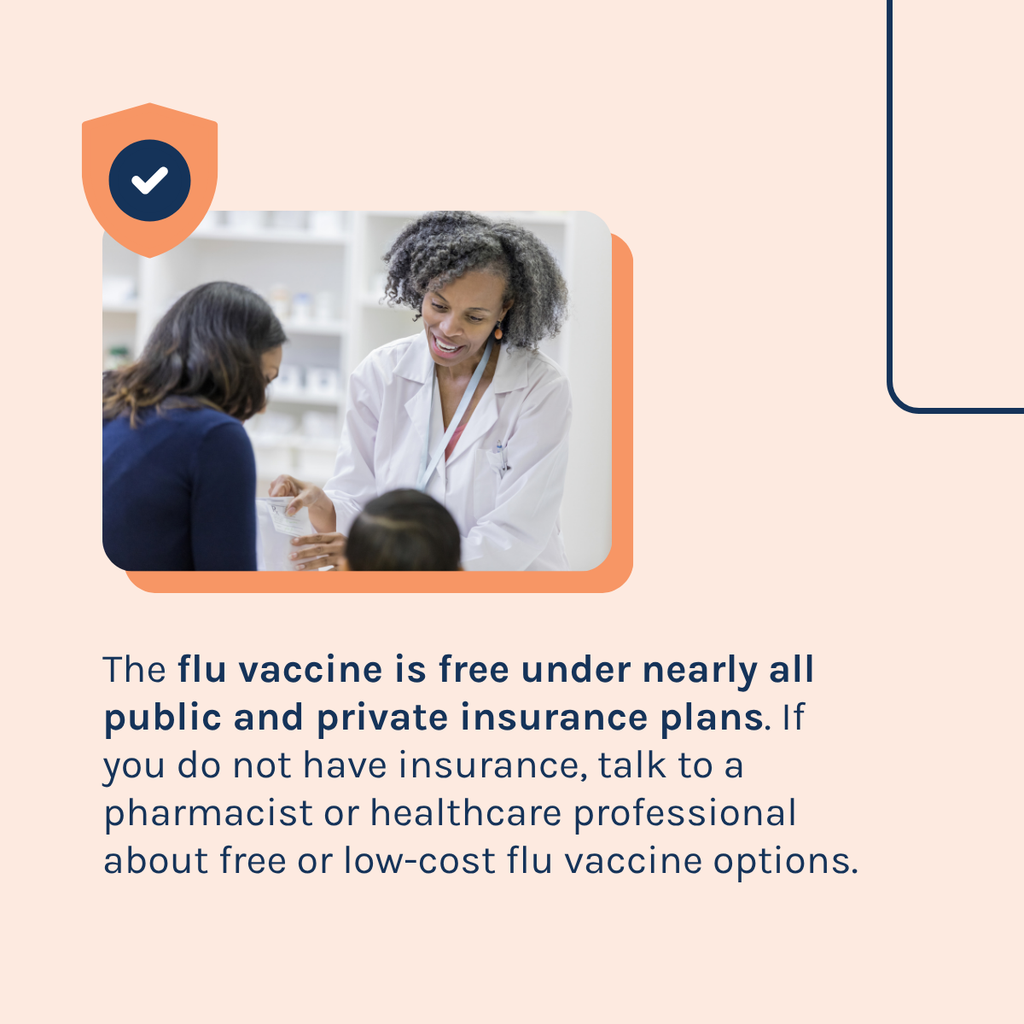
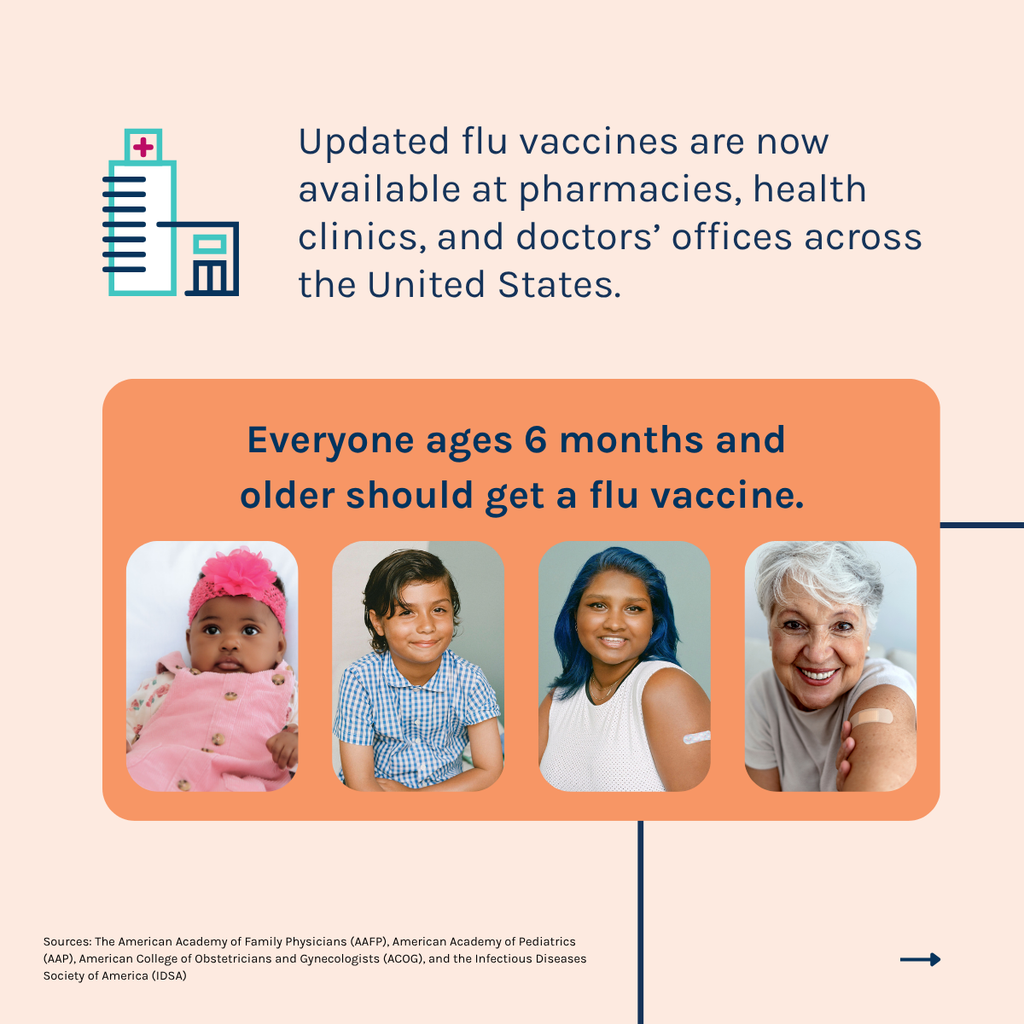
These six slides are ready to share without any modifications.
Customizable Final Slide
Use this optional Canva template to add your organization’s logo and preferred call to action as a final slide.
- Create a free Canva account, if you don’t have one already. You will need one to edit the carousel graphic.
- Follow the hyperlink below to access the editable carousel graphic template. On the page that opens, you’ll click the purple “Use template” button to start editing.
- You have the option to customize two areas:
- Logo. To upload logos into the Canva graphic, you will click “Uploads” on the left sidebar of the page. (Click the purple “Upload files” button or drag and drop your logo into the upload section.) Upload your desired logo and drag and drop it into the frame. Resize as needed. Remove the copy “[insert logo]” when you have completed the actions above.
- Call to action. Replace or add to the text that currently says “For more information: [Website/Contact]” with a link to your organization’s website, contact email, local resources, or other relevant information.
- When editing is complete, click “File,” then “Download” in the top-left to download the graphic for sharing on your social media channels and other communication platforms.
Suggested Social Media Caption
Updated flu vaccines are now available for the 2026-2027 flu season. The best thing you can do to protect yourself and your loved ones from serious illness is to get a flu vaccine. Swipe to learn more about this year’s flu vaccine recommendations and where and how to get yours.